

Create a Google geocoding API key for HumHub maps
Members Map, Events Map and Spaces Map can turn addresses into map positions with Google's Geocoding API. This page shows how to get the API key they need.
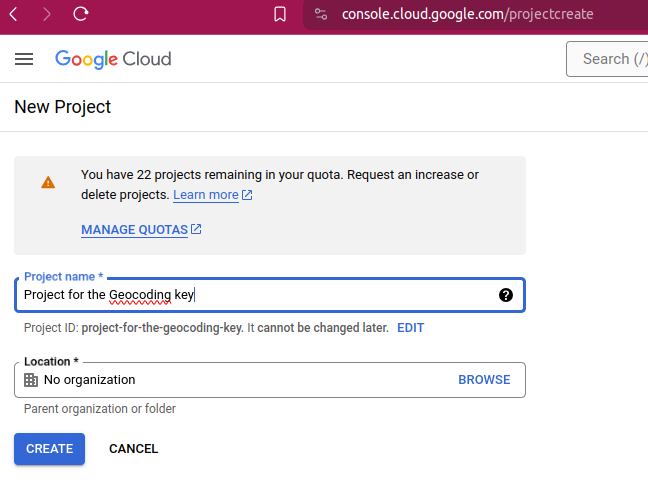
1. Create a new project on Google Cloud Platform
Go to console.cloud.google.com/projectcreate:
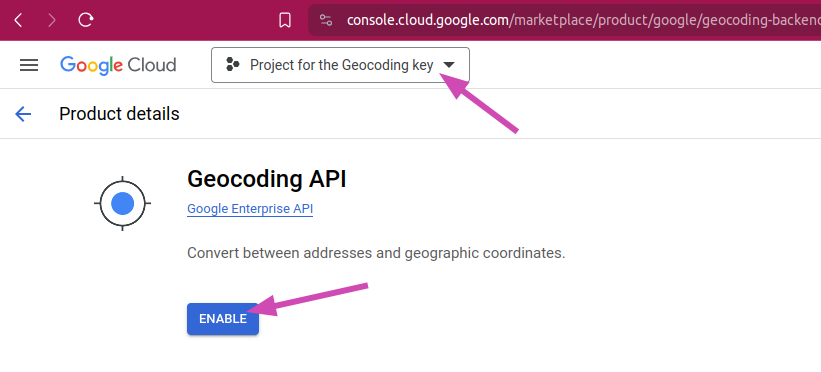
2. Enable the Geocoding API
Go to the Geocoding API page of the Google Cloud console and enable it:
3. Copy the API key into the module
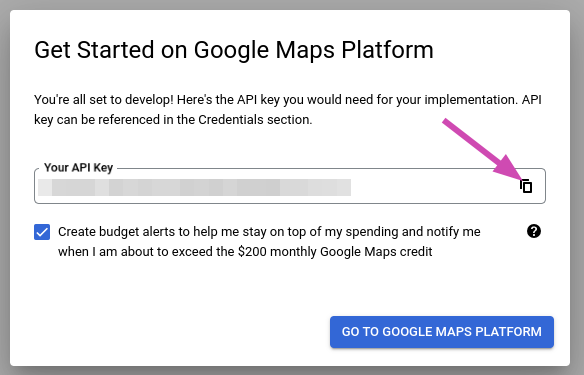
Copy your API key:
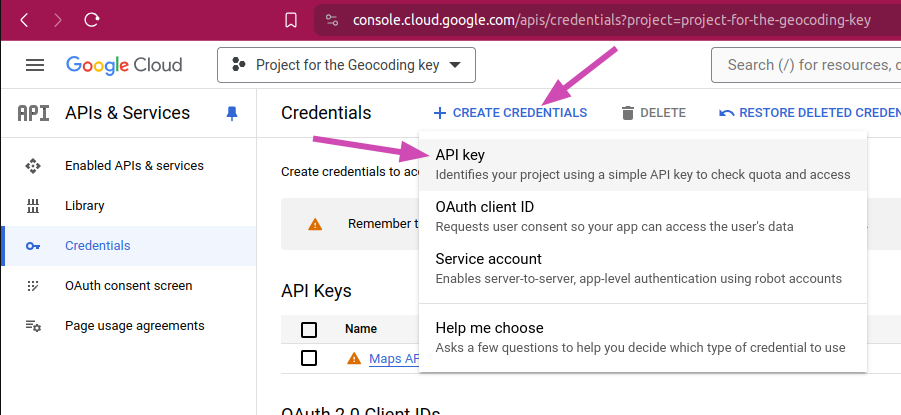
If you need to create another one, go to console.cloud.google.com/apis/credentials:
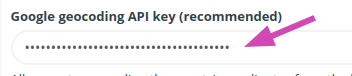
Paste your API key in the configuration of the HumHub module:
4. Sign up for the free trial
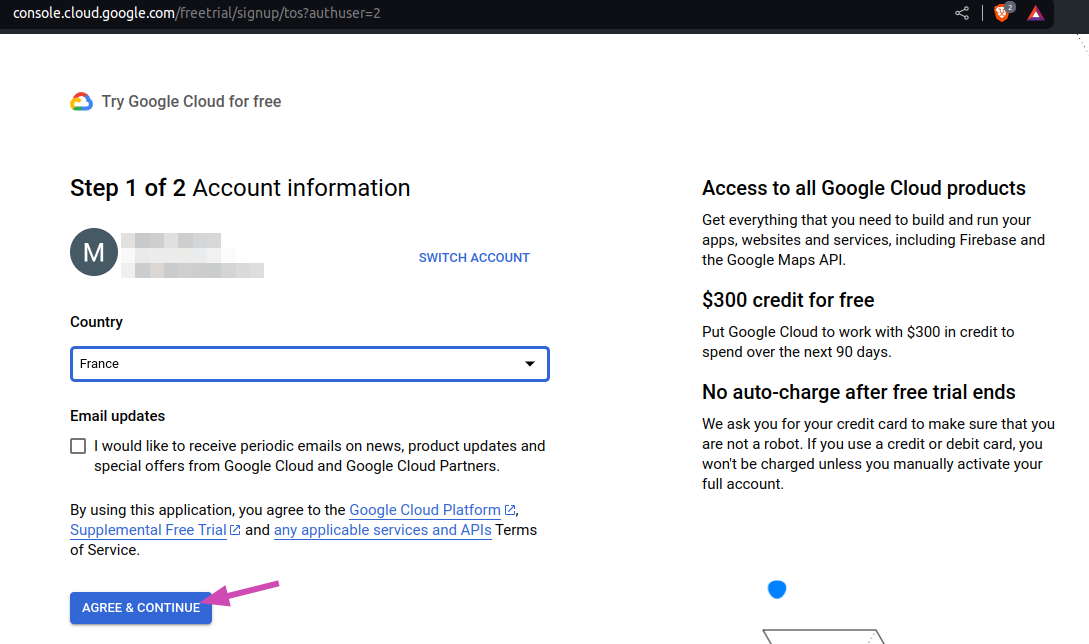
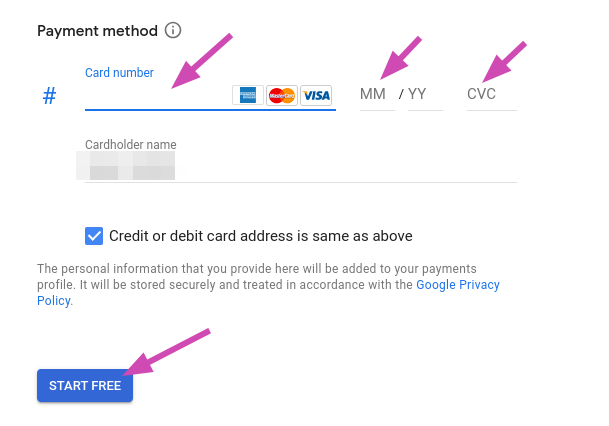
You will need to enter a credit card number, but you will not be charged. Go to console.cloud.google.com/freetrial/signup/tos:
5. Activate billing on Google Cloud Platform
Go to console.cloud.google.com/project/_/billing/enable:
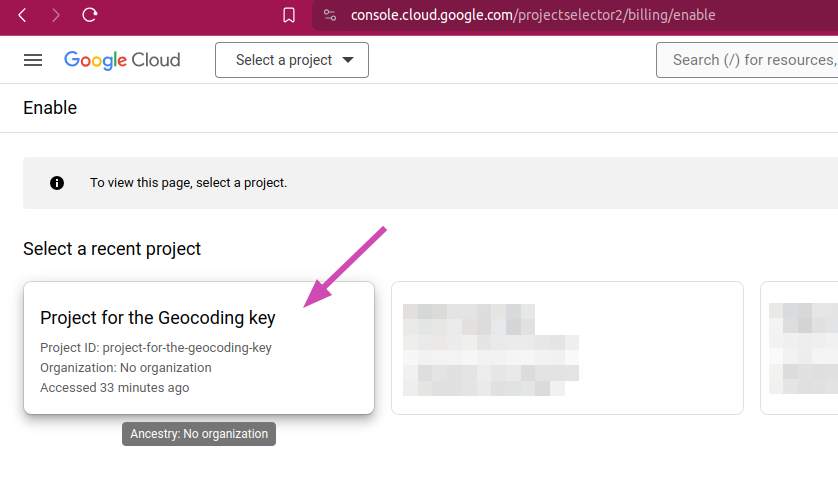
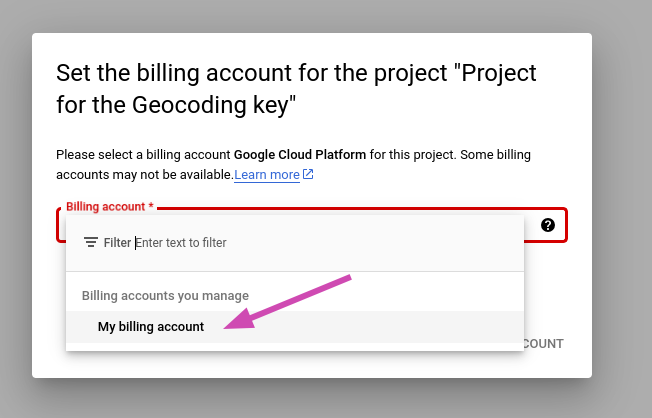
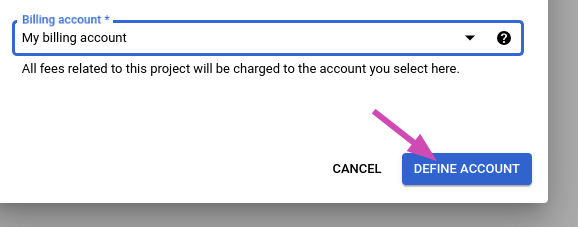
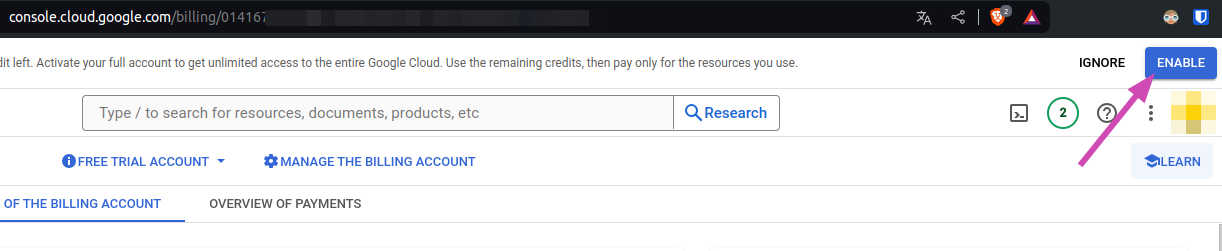
Before saving the key in the configuration of the module, make sure billing is active: on this page, the "Activate" button at the top right must be gone.
Costs and pitfalls
- Cost: since March 2025, Google gives each project 10,000 free Geocoding requests per month, then charges $5 per 1,000 (Google Maps Platform pricing). The modules geocode an address once, when the key is first saved and then each time an address is added or changed, so most communities stay within the free requests. Google asks for a credit card and sends invoices, at 0 as long as the usage stays free.
- Do not restrict the API key if Google suggests it: a restricted key no longer works for the module.
- Members Map geocodes every member when the key is first saved: a community of more than 10,000 members pays for the requests above 10,000 that month.