

Survey templates: reuse, export and import surveys
Create a survey from an existing one, or from a file: a survey can be exported to a JSON file and imported in any space, or in another HumHub.
Use case 1: convert a survey to a template
In the settings, choose "Template" as the state of the survey:
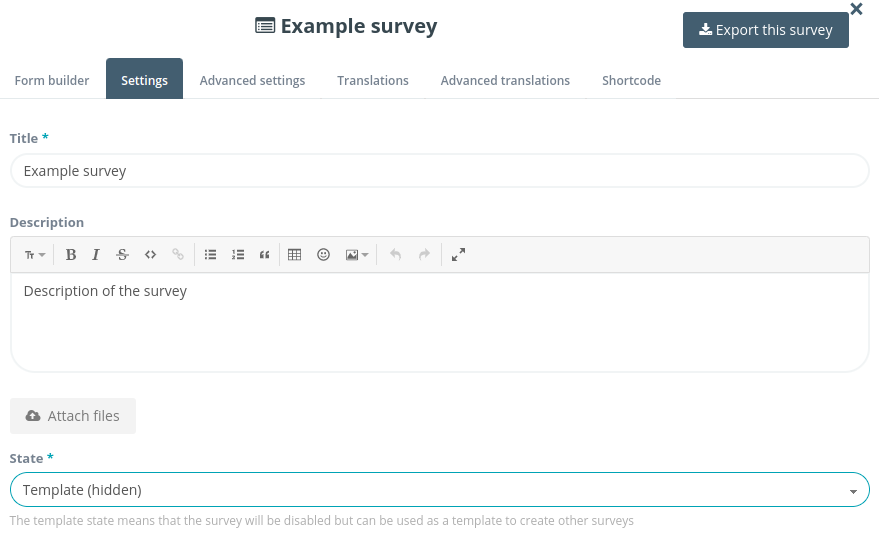
Now you can create new surveys from this template. All the settings are copied, including the form fields:
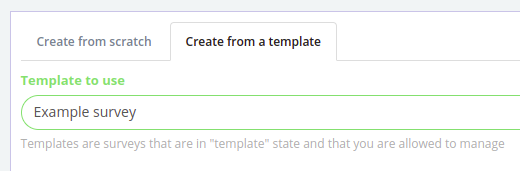
You can also use this template to create a new survey automatically for each new answer (see sub-surveys):

Use case 2: export the survey
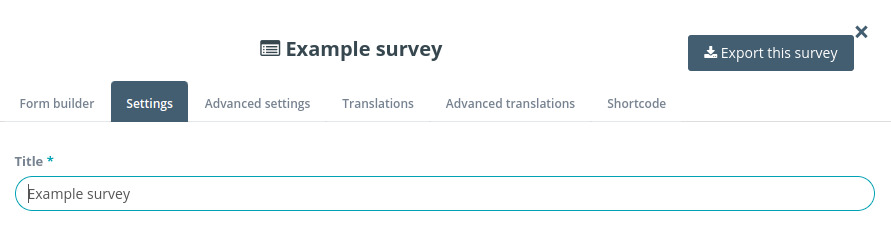
In the settings of the survey, click the "Export this survey" button to download a JSON file to your computer:
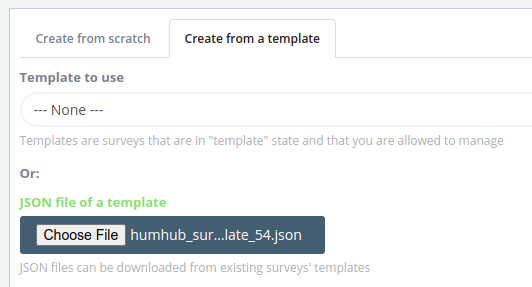
Now you can create a new survey with the same settings and form fields by uploading the JSON file in any space, or even in another HumHub:
Read next
- Show survey answers anywhere with shortcodes
- Pre-fill survey fields from the profile or the URL
- Sub-surveys: create a survey for each answer
- Customize survey answer lists with JavaScript and CSS
- Advanced Survey module: features and price
- Survey module: features and price
- New versions of the modules by email: the CUZY newsletter, a few times a year